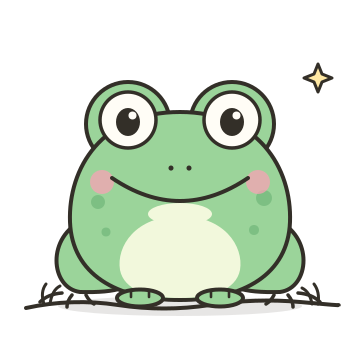
When ReelToons asks “who’s in it?”, you can attach character art, describe the characters in words, or both. A little preparation goes a long way.
If you have artwork
- One character per image. Group shots make it harder to tell who’s who.
- Clean and clear. A plain background and the full character in view work better than a cropped logo or a busy poster.
- Show the front. A front-facing pose is the most useful single reference. Extra angles are a bonus.
- Name your files.
gary-the-frog.pngbeatsIMG_4021.png. - Say who’s who. In your answer, write one line per character: “Gary (gary-the-frog.png): the hero, nervous but brave.”
If you don’t have artwork
Describe each character so someone who’s never met them could draw them. This template covers the basics:
Name: …
What they are: (a frog, a croissant, a barista…)
Shape and size: …
Colours: …
Personality: (one or two words)
One detail people should notice: …
Keeping a recurring cast
If the same characters will appear in more than one cartoon, attach the same artwork, or paste the same description, every time. Small changes in how you describe a character can change how they’re drawn.
What to leave out
Don’t upload real, identifiable people without their documented consent, or characters and brands you don’t have rights to. See our guide to commercial use.
No characters at all? That’s fine too. Tap “No specific characters” and the model designs whatever the story needs.